Recovering a failed Ubuntu 22.04 → 26.04 upgrade without reinstalling
Skipping an LTS step and stalling at the configure stage takes sudo and networking with it. Counting dpkg states tells you whether recovery without a reinstall is possible.
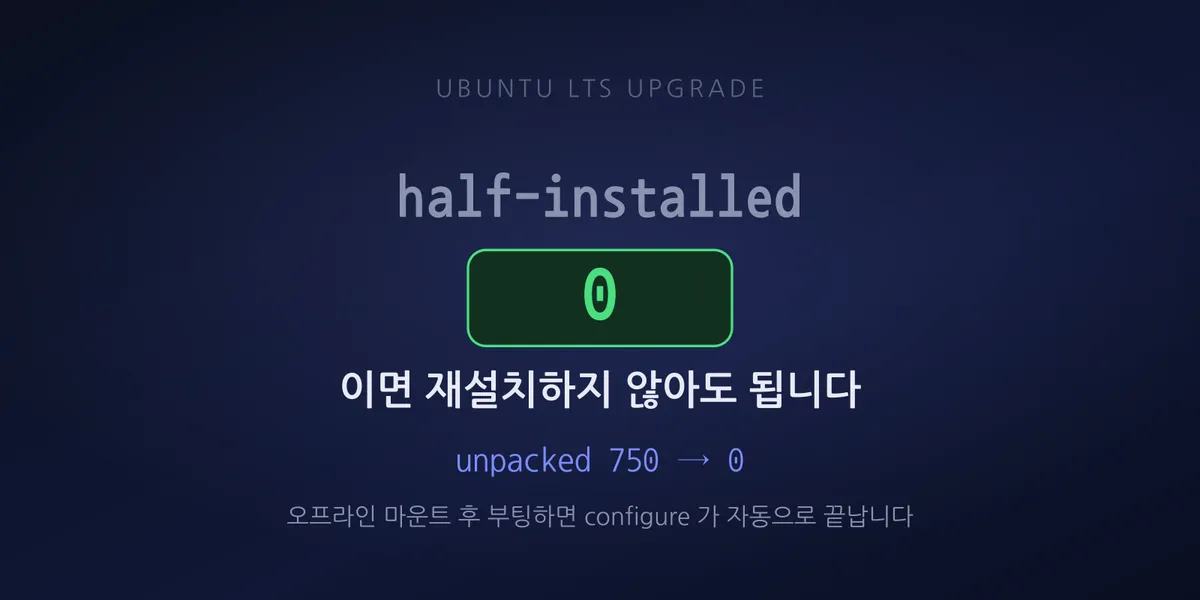
We jumped from 22.04 straight to 26.04. The supported path is 22 → 24 → 26; we skipped the middle step. After the reboot, SSH would not connect.
At first only SSH gave Connection refused while the web ports still answered. Shortly after, those
died too. No ping, and even ARP lookups returned INCOMPLETE. The network stack had not come up at
all.
Three things were broken at once
Getting in via console showed this was not a single fault.
One, the netplan config would not parse. It still contained a gateway4: key, which 26.04
removed. Parsing failed, so the interface stayed state DOWN with no address.
Two, 750 packages were in install ok unpacked. Files extracted, configure never finished.
Among those 750 were sudo, openssh-server, and netplan.io. That accounts for both the SSH
failure and the networking failure.
Three, the root account was locked. The root hash in /etc/shadow was *. Normally that is
fine — you use sudo. Except sudo was one of the 750 unconfigured packages.
Which left us sitting at the console with no way to obtain privileges. su fails because root
is locked; sudo fails because the binary is not there.
First, count whether a reinstall can be avoided
Most people reinstall at this point. This machine had no snapshot and no backup, which pushes you further in that direction.
Before that, we counted dpkg states by state.
dpkg-query -W -f='${db:Status-Abbrev}\n' | sort | uniq -c | sort -rnTwo numbers in the output mattered.
| dpkg state | Count | Meaning |
|---|---|---|
install ok unpacked |
750 | Files extracted, only configuration remains |
half-installed |
0 | No corrupted files |
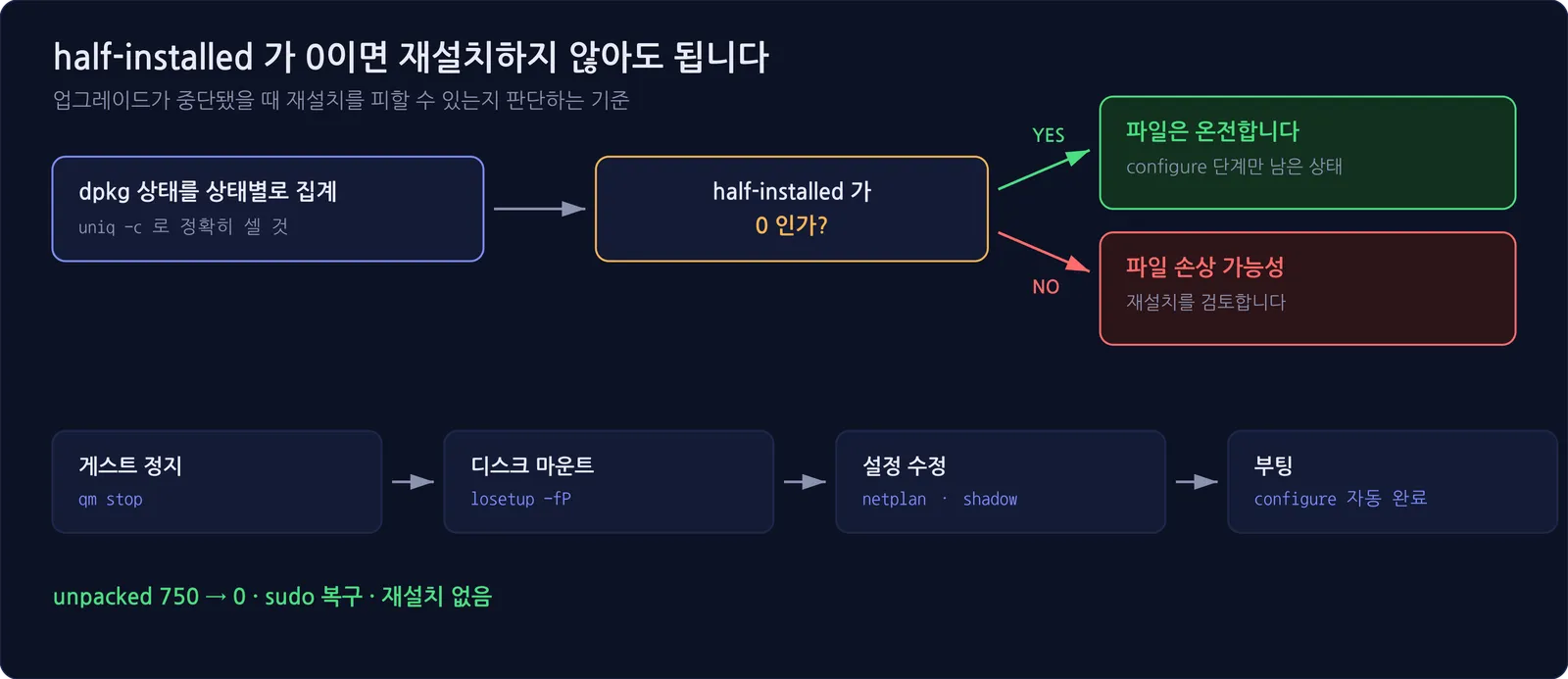
half-installed means extraction was interrupted and files are damaged. A lot of those makes
recovery hard. At zero, the files are intact and all that is needed is finishing
dpkg --configure.
That number is what justified not reinstalling.
One caution: counting dpkg-query output with a loose grep pulls in states like
triggers-pending and overcounts. If a number is going to drive a decision, count it precisely with
uniq -c per state, as above.
It was SeaBIOS, not GRUB
We had a direction but no way in. Pressing Esc at boot to reach GRUB and use init=/bin/bash
brought up the SeaBIOS boot menu and iPXE instead. In a virtualized environment, Esc hits the
hypervisor firmware menu first.
Rather than keep hunting for a way into GRUB, we changed approach. Shut the guest down and mount its disk from the host — far more reliable.
qm stop <VMID>
losetup -fP --show /dev/pve/vm-<VMID>-disk-0
losetup -P reads the partition table and exposes /dev/loopNp1, p2, and so on. No need for
kpartx or partprobe to be installed.
This disk was laid out as:
p1  1M
p2  2G   xfs   /boot
p3  8G   swap
p4  90G  xfs   /
No nested LVM, so it mounted directly. With LVM in the way you need vgscan followed by
vgchange -ay first.
Once mounted we fixed two things.
Rewrote netplan in 26.04 syntax.
# before (key removed in 26.04)
gateway4: 192.168.0.1

# after
routes:
  - to: default
    via: 192.168.0.1
netplan warns about loose permissions on its config files, so we also set chmod 600.
Unlocked root. We copied the hash from a regular account whose password we knew over root’s *
in /etc/shadow, backing the file up as shadow.bak first. The point was to secure a console
recovery path in the absence of sudo.
Booting finished the configure on its own
We unmounted, cleaned up with losetup -d, and started the guest.
During boot, the incomplete configure ran automatically. The 750 unpacked packages went to
zero and sudo came back. We never had to run dpkg --configure -a manually.
Networking came back because netplan was fixed. The two problems were interlocked: without the network you cannot fetch packages, and without configured packages the netplan tooling does not run.
DNS had to be revived separately
We got stuck once more. The address was up and traffic flowed, but name resolution did not work at
all. Not even google.com.
The cause was that we had brought the address up by hand with ip as a stopgap.
resolvectl status
# Current Scopes: none      <- no DNS server registered
/etc/resolv.conf points at the systemd-resolved stub (127.0.0.53). Adding an address with
ip addr add does not hand DNS server information to systemd-resolved. You end up with an
address and no resolution.
netplan apply
resolvectl status
# Current Scopes: DNS       <- correct
Only after applying properly with netplan apply did resolution work. An application had been
failing to start throughout; the logs showed an UnknownHostException on the database hostname.
With DNS restored it came up in 4.6 seconds.
If you brought an address up by hand to stop the bleeding, treat that state as temporary. Name resolution is missing and it disappears on the next reboot.
The next two machines went without incident
We had the same upgrade to do on two more servers. We changed three things.
One step at a time. 22.04 → 24.04 → 26.04, with a reboot between each step. One machine
actually refused the next step without a reboot:
You have not rebooted after updating a package which requires a reboot. It proceeded normally
after rebooting.
Removed gateway4 before going to 26.04. We converted to routes: syntax during the 24.04
stage. These servers had the same leftover key, so going straight through would have reproduced the
outage.
Ran dpkg --configure -a and apt -f install after each step, since an interrupted configure
was the essence of the first failure.
Both finished with unpacked 0, half-installed 0, and zero failed units.
We took snapshots beforehand and verified the root account was active — you need a way into the console even if sudo disappears. That was the most painful part of the first incident.
One more thing: depending on timing, the standard path from 24.04 to 26.04 may not be open yet.
If do-release-upgrade returns There is no development version of an LTS available, that is what
you are seeing. Changing Prompt=lts to normal in /etc/update-manager/release-upgrades will let
it proceed, but that also means it is not the supported route yet — decide accordingly.
Summary
The order to work in when you hit this:
- Count
dpkgstates by state. Ifhalf-installedis zero and onlyunpackedis high, you do not need to reinstall - In a VM, do not fight GRUB — mount the disk from the host. One
losetup -fPdoes it - Check for network config syntax changes first. A key removed in the release, like
gateway4, leaves you with no options after boot - A manual
ipconfiguration is temporary. You neednetplan applybefore DNS works
There are also two conditions that keep you out of this situation entirely: upgrade LTS one step at a time, and take a snapshot before you start. We did neither, and recovery took much longer for it.
There was no production outage here only because a second server filled the same role. That let us force-stop and reboot without pressure. Redundancy prevents incidents, but it also earns its keep by letting the person recovering take their time.